How Often Should You Reconcile Your Bank Accounts in QuickBooks?
Answer Desk · QuickBooks & Bookkeeping Systems
How Often Should You Reconcile QuickBooks?
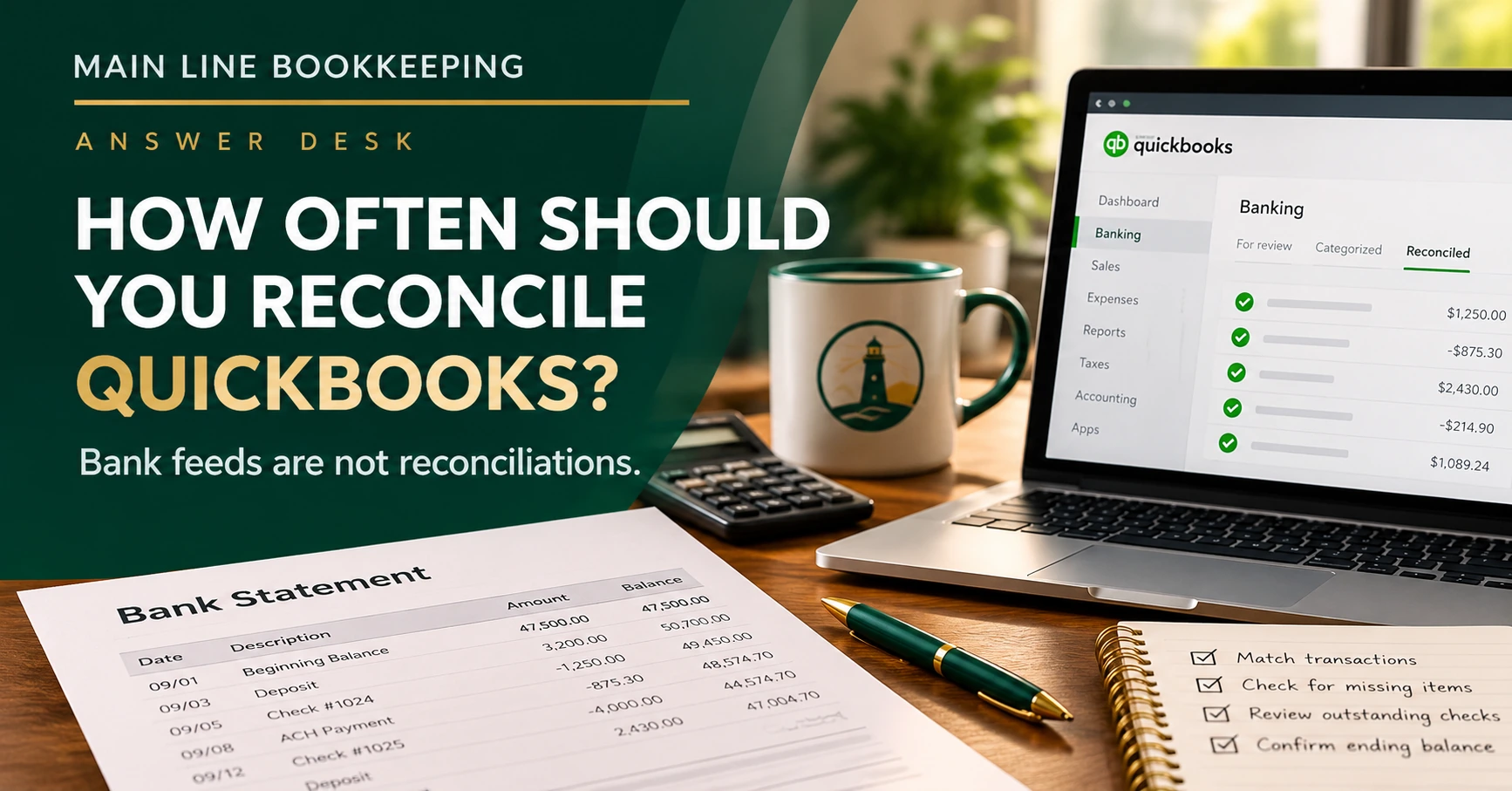
How often should you reconcile QuickBooks? For most small businesses, reconcile bank accounts and credit cards at least once a month, using the actual statement. High-volume businesses may benefit from more frequent reconciliations or weekly transaction reviews. A connected bank feed does not mean an account is reconciled.
What does reconciling QuickBooks actually mean?
Reconciliation compares the transactions in QuickBooks with an independent bank or credit card statement. It helps you identify missing entries, duplicates, and legitimate timing differences such as checks that have not yet cleared.
Suppose your September bank statement shows $47,500, while the QuickBooks register shows $42,500. You might have $5,000 in outstanding checks already recorded in QuickBooks but not yet cleared by the bank. If those checks are valid, the difference can be fully explained.
But what if the difference is a missing deposit, a duplicated expense, or an entry posted to the wrong account? Reconciliation helps you find out. The goal is not to force the two displayed balances to match. It is to account for the transactions and legitimate timing differences so the reconciliation itself balances.
Doesn’t the QuickBooks bank feed do that automatically?
No. A bank feed downloads transactions. You still need to review, match, and categorize them correctly, and then reconcile the account to the statement.
- Bank feed: Imports activity from the financial institution.
- Matching and categorizing: Records transactions in the right place without creating duplicates.
- Reconciliation: Checks the accounting records against the statement for a specific period.
What happens when you skip reconciliation?
- Duplicate expenses or deposits distort reports. Recording the same activity twice can misstate income, expenses, or cash.
- Missing transactions leave the books incomplete. Automatic payments, bank fees, and deposits can slip through.
- Old outstanding items conceal problems. They can signal lost payments, voided checks that were never properly handled, or unresolved posting errors.
- Errors become harder to trace. A discrepancy from last week is much easier to investigate than one buried six months back.
- Cash decisions become less dependable. Hiring, distributions, and major purchases should not rely on unverified cash records.
How often should you reconcile QuickBooks for a growing business?
| Business situation | Practical schedule |
|---|---|
| Typical small business | Reconcile each account monthly |
| Growing business with frequent transactions | Reconcile monthly; review new transactions weekly |
| High-activity or sensitive cash accounts | Consider weekly or biweekly reconciliations when statement data supports them |
| Account with an unexplained difference | Investigate promptly rather than waiting for month-end |
When deciding how often to reconcile QuickBooks, consider transaction volume, risk, and the availability of statement data. Bank and credit card accounts are not the whole story. Loans and lines of credit should also be checked against lender statements, including principal and interest. PayPal, Stripe, and Square clearing accounts should be reviewed against processor activity, payouts, and fees; the appropriate verification may differ from a standard bank reconciliation.
Your monthly QuickBooks reconciliation checklist
- Obtain the bank or credit card statement.
- Enter the statement ending date and ending balance exactly as shown.
- Confirm the beginning balance agrees with the prior reconciliation.
- Review, match, and correctly record bank-feed transactions.
- Check transactions against the statement and investigate missing or duplicate entries.
- Confirm the reconciliation difference is $0.00.
- Review outstanding checks, deposits, and old uncleared items.
- Save and review the reconciliation report.
What if QuickBooks won’t reconcile?
First, confirm the correct account, statement dates, and ending balance. Then check for duplicates, missing transactions, and changes to previously reconciled entries.
Do not force the reconciliation with an unexplained adjustment. In QuickBooks Online, a reconciliation adjustment can be posted to an account named Reconciliation Discrepancies (depending on the workflow and settings). If you see that account in your reports, investigate the entries; its presence does not automatically prove an error, but it warrants explanation.
Months behind? Work forward in order, starting with the oldest unreconciled statement. Don’t skip directly to the current month. And avoid deleting reconciled transactions or making arbitrary journal entries to manufacture a zero difference.
For software-specific instructions, consult Intuit’s QuickBooks Online reconciliation guidance.
The bottom line
Reconcile monthly, review activity throughout the month, and investigate unexplained differences. A successful reconciliation helps verify recorded activity against the statement. It does not, by itself, prove that every transaction was categorized correctly or that your profit and loss statement is accurate. That takes a broader monthly bookkeeping review.
Related reading: How Much Does QuickBooks Cleanup Cost in 2026? · Can I Trust My QuickBooks Numbers?
Behind on reconciliations? Let’s get your books back on track.
Whether your beginning balance has changed, old checks are lingering, or months of transactions need attention, Main Line Bookkeeping can help identify the issue and create a sensible cleanup plan.


One Comment