Can I Trust My QuickBooks Numbers?
You open QuickBooks.
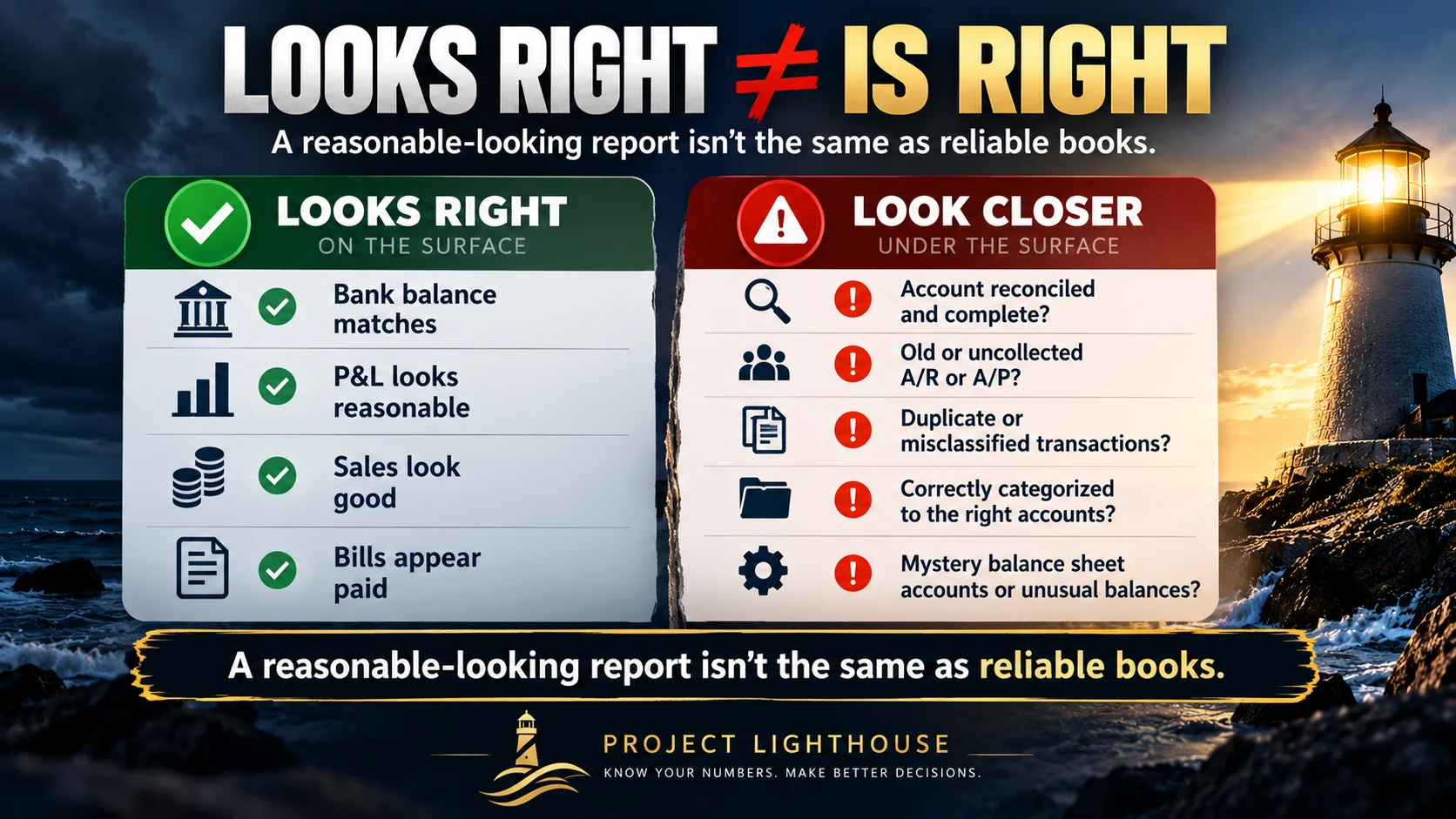
The Profit & Loss looks reasonable. Sales are where you expected them to be. There’s money in the bank. QuickBooks isn’t flashing any giant red warning lights.
So the books must be right.
Right?
Maybe.
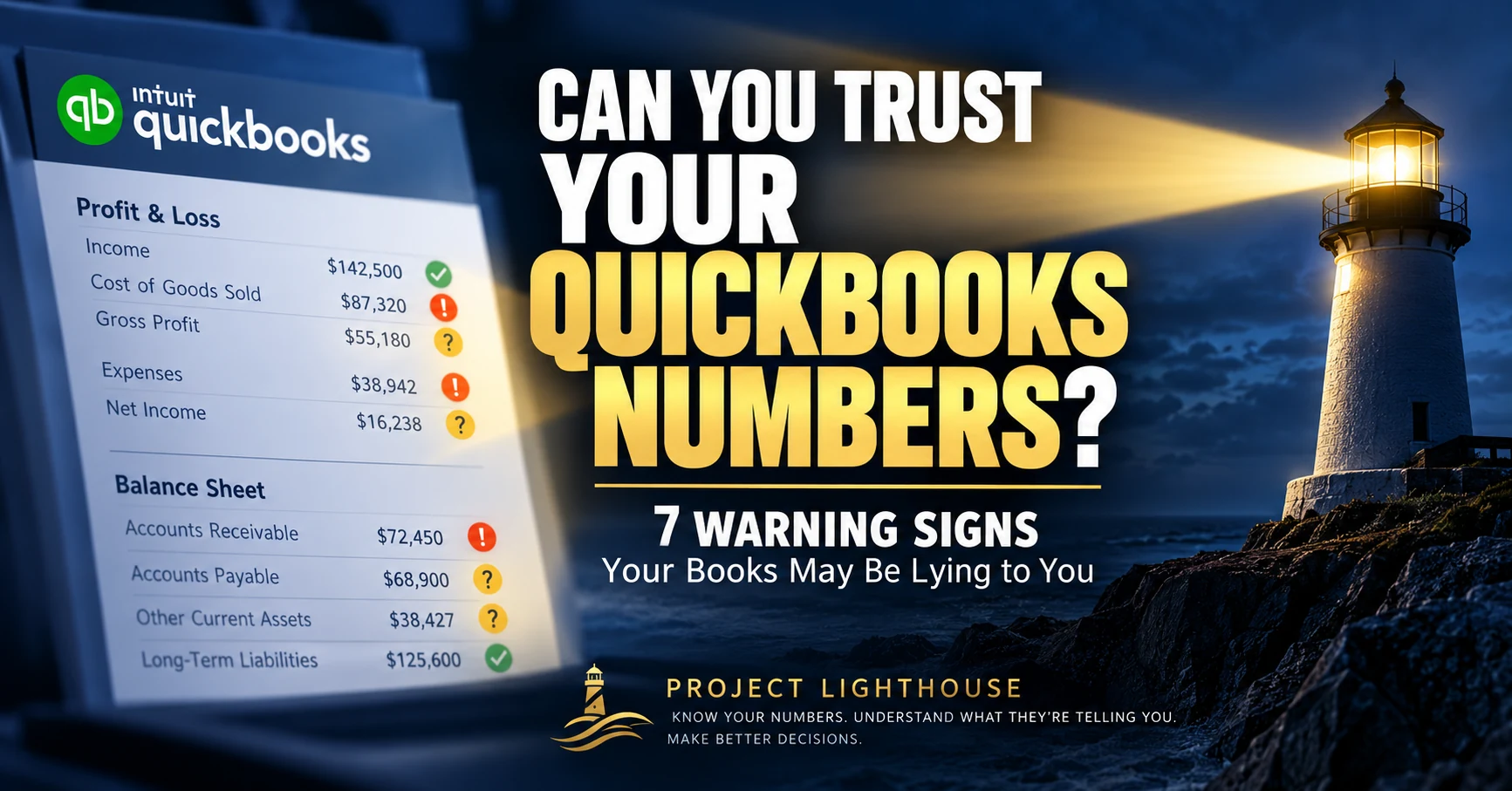
QuickBooks is very good at doing math. Give it two numbers to add together, and it will add them together correctly every time.
What QuickBooks doesn’t necessarily know is whether those numbers are complete, entered correctly, or sitting in the right place.
A $12,000 equipment purchase posted as Repairs & Maintenance is still $12,000.
A customer payment applied incorrectly is still the same amount of cash.
A loan payment posted entirely to an expense account still reduces the bank balance.
The math can be perfectly correct while the financial story is completely wrong.
And if you’re using those numbers to decide whether to hire someone, buy equipment, raise prices, distribute cash, or make another major business decision, that matters.
So how can a business owner tell whether their QuickBooks numbers deserve their trust?
Here are seven places to look.
1. Your Bank and Credit Card Accounts Aren’t Reconciled
There’s an important distinction here.
For a connected account, QuickBooks can display balance information supplied by your financial institution. That balance can look perfectly reasonable even when the accounting behind it isn’t.
And even when QuickBooks’ own balance appears to match the bank balance, that still isn’t the same thing as completing a proper reconciliation.
Reconciliation means comparing the transactions recorded in QuickBooks with the transactions reported by the bank or credit card company and accounting for the differences.
That process can uncover things such as:
- Duplicate transactions
- Missing transactions
- Deleted transactions
- Checks that haven’t cleared
- Deposits recorded incorrectly
- Transactions posted to the wrong bank or credit card account
What reconciliation won’t necessarily catch is a transaction categorized incorrectly.
Remember our $12,000 equipment purchase posted to Repairs & Maintenance?
The money really did leave the checking account, so the bank can reconcile perfectly while the expense is still classified incorrectly.
That’s why reconciliation is essential—but it isn’t the entire review process.
When was the last time every bank and credit card account was reconciled?
If the answer is “I’m not sure,” that’s warning sign number one.
2. Your Accounts Receivable Contains Ancient Invoices
Open your Accounts Receivable aging report.
Do you recognize everything on it?
Maybe there’s a customer invoice from last year—or two years ago—that everyone knows was paid.
That can be more than an old invoice that simply needs cleaning up.
A common problem occurs when the customer’s payment is recorded directly as income instead of being applied to the outstanding invoice.
The cash was received, but the invoice remains open. On an accrual-basis report, if that payment was recorded directly to an income account instead of applied to the invoice, revenue may now be overstated.
Or perhaps there’s an invoice everyone agrees will never be collected but that is still hanging around.
That old invoice may overstate what you’re actually owed and, depending on when and how it was recorded, may also have overstated revenue for money you don’t realistically expect to collect.
There may also be customer credits sitting around that nobody remembers or understands.
If someone handed you your A/R aging report today, could you explain the old balances?
If not, something needs attention.
3. Your Accounts Payable Contains Bills Nobody Remembers
Now flip the problem around.
Look at Accounts Payable.
Are there old bills sitting there that vendors aren’t actually expecting you to pay?
One common cause is surprisingly simple.
A vendor bill gets entered into QuickBooks. Later, when the payment appears in the bank feed, someone categorizes the payment as another expense instead of matching it to the existing bill.
Now, on an accrual basis, the books can show the expense twice, while the original bill continues to sit in Accounts Payable as though you still owe the vendor.
Other possibilities include duplicate bills, unapplied vendor credits, or payments that were never connected to the correct bill.
These aren’t just housekeeping issues. They can distort both your expenses and what you believe the business owes.
Does the amount QuickBooks says you owe reasonably match what you believe you actually owe?
If those two numbers are very different, find out why.
4. Uncategorized and Miscellaneous Accounts Are Getting Fat
Most businesses eventually end up with transactions that nobody immediately knows how to classify.
That’s normal.
Leaving them there indefinitely isn’t.
Accounts such as:
- Uncategorized Expense
- Uncategorized Income
- Ask My Accountant
- Miscellaneous Expense
can become financial junk drawers.
And there’s another place worth checking: the bank feed.
Transactions still sitting in For Review haven’t been added or matched to the books yet. An owner may see them in the banking screen and assume QuickBooks already knows about them when, from an accounting standpoint, they may not be recorded at all.
One $47 mystery transaction isn’t going to destroy your financial statements.
But $18,000 spread across dozens of transactions?
Now we have a problem.
Those transactions belong somewhere—and wherever they ultimately belong could change your understanding of expenses, profitability, job costs, assets, liabilities, or taxes.
How much money is currently sitting in accounts—or bank-feed transactions—that nobody has taken the time to figure out?
If you don’t know, it’s worth taking a look.
5. There Are Balance Sheet Accounts Nobody Can Explain
This one is a favorite.
Open the Balance Sheet and start reading down the accounts.
Then ask a very simple question:
What is that?
Other Current Assets — $38,427
What makes up the $38,427?
Nobody knows.
Perhaps there’s a loan balance that hasn’t changed in eight months even though you’ve been making payments every month.
Maybe Opening Balance Equity still contains a significant balance long after the company file was set up.
Perhaps Undeposited Funds—also called Payments to Deposit in QuickBooks Online—is carrying money that should have been cleared when those payments were deposited.
Or maybe there’s a clearing account that somehow accumulated $22,000 or an employee advance that has been sitting there for years.
Every Balance Sheet account represents something the business owns, something it owes, or the owners’ stake in the business.
You don’t need to know every accounting entry behind those balances.
But someone should be able to explain the significant ones.
Could your bookkeeper or accountant explain the major balances on your Balance Sheet?
“That’s just what QuickBooks says” isn’t a very comforting answer.
6. Last Month’s Numbers Keep Changing
It’s October.
You pull your September Profit & Loss and net income is $42,000.
Two weeks later, you run the same September report and net income is $35,000.
What happened?
There may be a perfectly legitimate explanation.
A late vendor bill may have been entered. Payroll could have been corrected. Depreciation or another adjusting entry may have been posted.
But once a month has been reviewed and considered complete, changes to prior periods should be controlled and understood.
Otherwise, you’re trying to manage a business using a moving target.
This is one reason a regular month-end close matters.
Reconcile the accounts. Review the financial statements. Make the necessary corrections. Then establish a reasonable cutoff for changes to that period.
QuickBooks Online also includes a Close the books feature that can warn users—or require a password—before changes are made to transactions dated on or before the closing date.
That doesn’t mean an earlier period can never be corrected.
It means those corrections become intentional instead of accidental.
Once you receive your monthly financial reports, can you rely on those numbers remaining substantially the same?
If not, ask why.
7. Your Reports Look Reasonable—but Nobody Can Explain WHY
This one goes a little deeper.
Suppose sales increased $150,000 this year.
Great.
Why?
Did you sell more work?
Raise prices?
Land one unusually large project?
Add a new customer?
Now suppose gross margin fell from 42% to 35%.
Again:
Why?
Maybe labor or material costs increased.
Maybe estimates missed the mark.
Maybe one bad project pulled down the year.
But there’s another possibility worth investigating: the books themselves may not have been classified consistently.
Perhaps costs that were included in Cost of Goods Sold last year are being recorded as overhead this year—or vice versa.
The total expense may still be there, but your gross margin comparison is now misleading.
That’s why consistency matters.
QuickBooks can tell you what happened numerically.
Reliable bookkeeping should give you confidence that you’re comparing the same things from one period to the next.
And good financial management should help you understand why those numbers changed.
Because the “why” is usually where the next business decision lives.
Could you explain the three biggest changes in your financial results from last year in two minutes?
If you can’t, the next question is whether the business changed—or the bookkeeping did.
So…Can You Trust Your QuickBooks Numbers?
None of these warning signs automatically means your books are a disaster.
An old invoice might simply need to be written off.
A strange balance might have a perfectly reasonable explanation.
A prior month might have changed because your accountant made a legitimate adjustment.
The warning isn’t that something looks unusual.
The warning is when nobody can explain it.
- Where did this number come from?
- Why did it change?
- What’s included in this balance?
- Does this agree with what actually happened?
- Is it being handled consistently?
- Can I use this information to make a decision?
If you can answer those questions confidently, you’re in pretty good shape.
If you can’t, that’s worth investigating.
From the CFO’s Desk
Clean books aren’t books that look tidy. They’re books you can rely on to make a decision.
Your accounting system isn’t supposed to be a historical filing cabinet.
It’s supposed to help you understand your business.
That means the goal isn’t simply getting everything “into QuickBooks.”
The goal is getting the information into QuickBooks correctly enough, consistently enough, and completely enough that you can trust what comes back out.
Before you make your next major business decision based on a QuickBooks report, ask yourself one question:
Do I understand these numbers well enough to bet money on them?
Because, as a business owner, that’s exactly what you’re doing.
Next Week on Project Lighthouse
So you checked your books.
And…uh-oh.
There are old transactions, strange balances, unreconciled accounts, duplicate entries, things sitting in Uncategorized, and maybe a few items that have apparently been living in QuickBooks since the flip phone era.
Now what?
Next week we’ll look at QuickBooks Cleanup: what it actually means, what should be fixed, how far back you really need to go, and when cleaning up the books becomes more than a DIY project.
See you next week.
Project Lighthouse
Know your numbers. Understand what they’re telling you. Make better decisions.
One Comment